v2.17.8Statistics and crash reports now go to PhasmaStrap's own server

The Roblox launcher for people who care how it runs.

Per-game FastFlags, instant replays in exact 1080p, an FPS counter that tells the truth, and a stream-safe view for OBS. All in one app that keeps itself up to date.

Free and open source · 19.6 MB · Windows 10 and 11

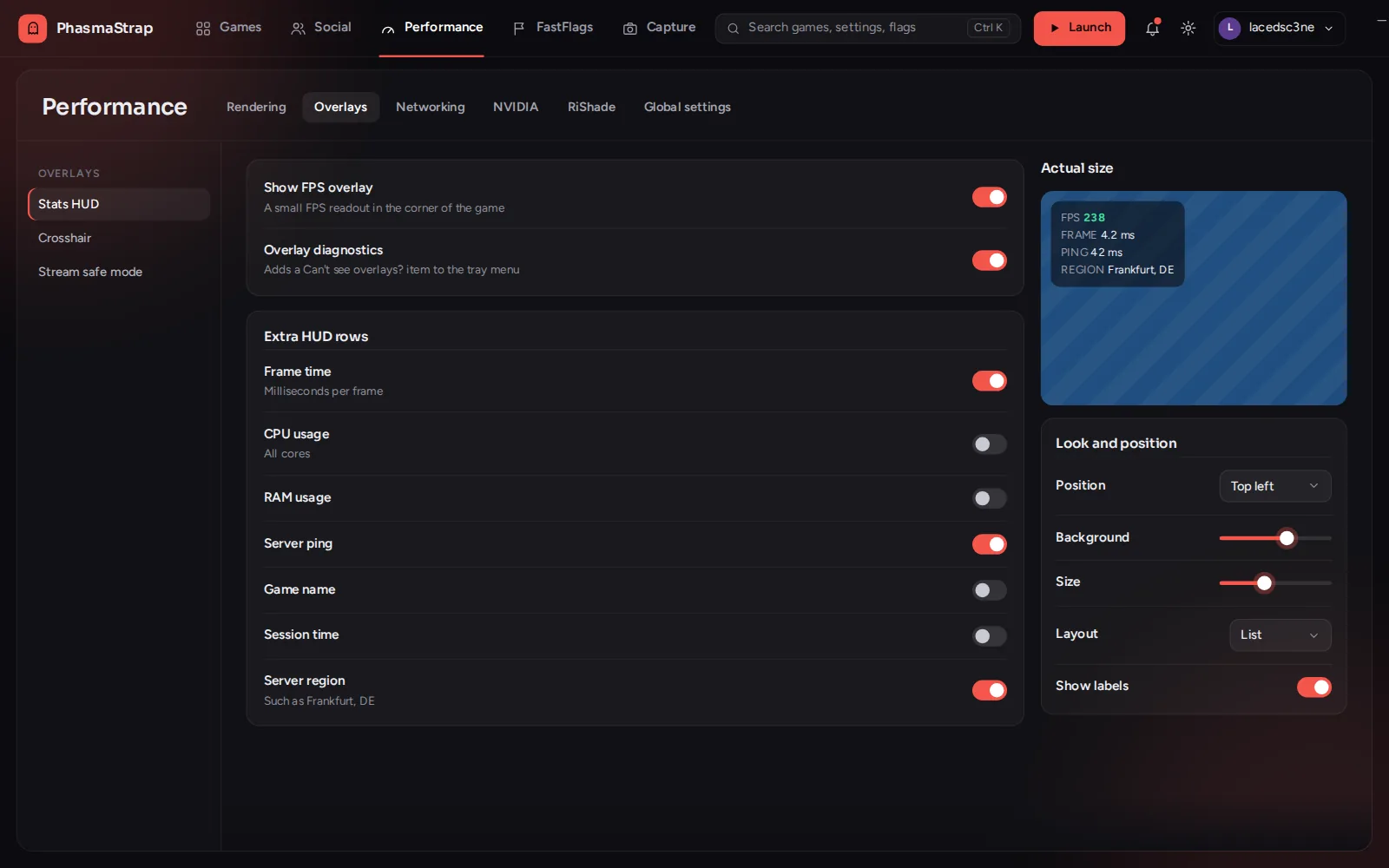
The PhasmaStrap settings window on Rendering, Overlays, with the HUD look and position section open: a live preview of the FPS counter in the corner of a game view.
The overlay settings, with a live preview of the FPS counter.
Features

Everything Roblox's launcher doesn't do.

See every feature →

Instant Replay

Save the last few minutes with a hotkey: up to 5 minutes, exact resolution and frame rate, saved instantly by your graphics card.

Honest FPS overlay

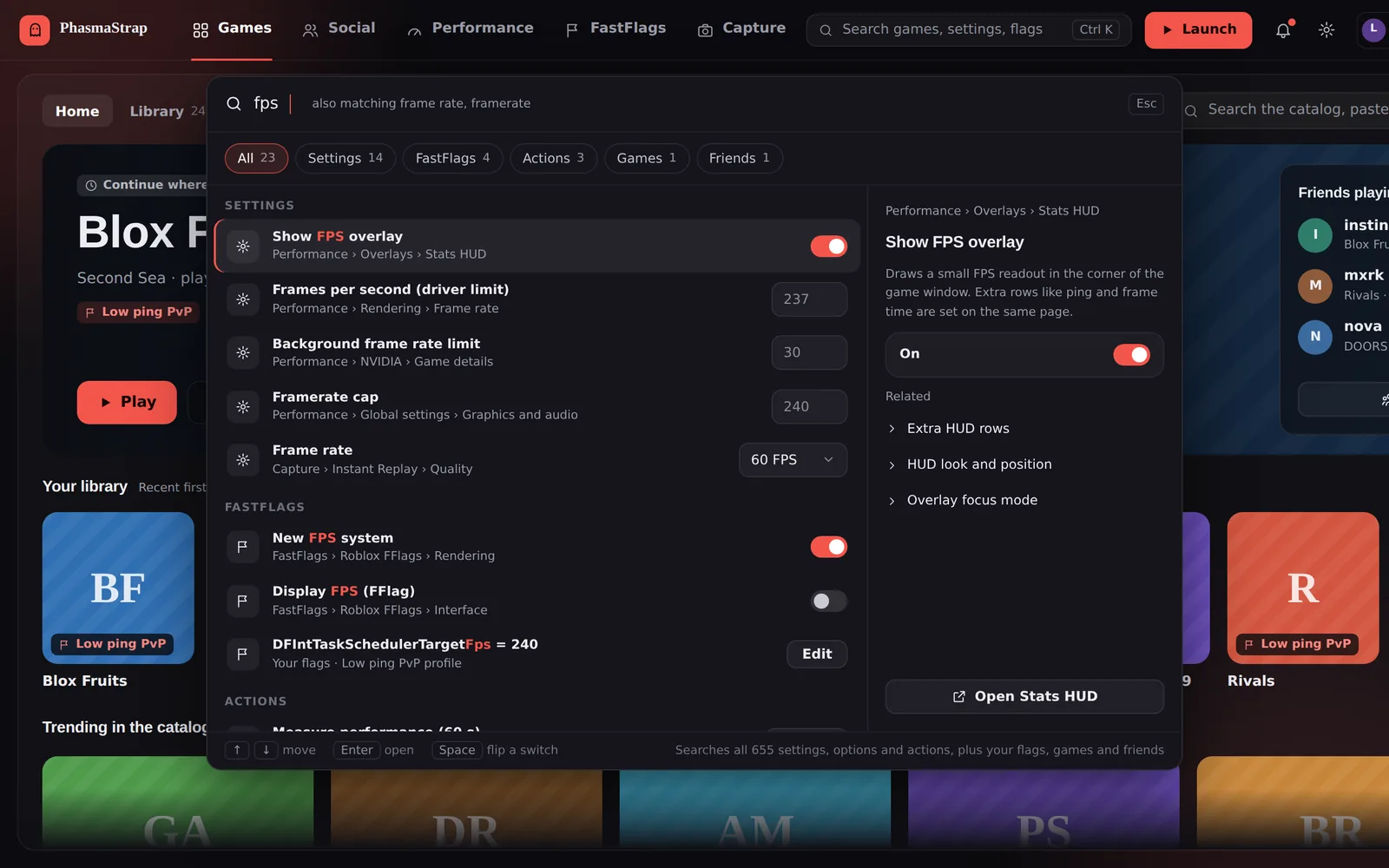
Counts the frames the game really shows. The HUD's position, colors, size and background are yours to set.

Per-game FastFlags

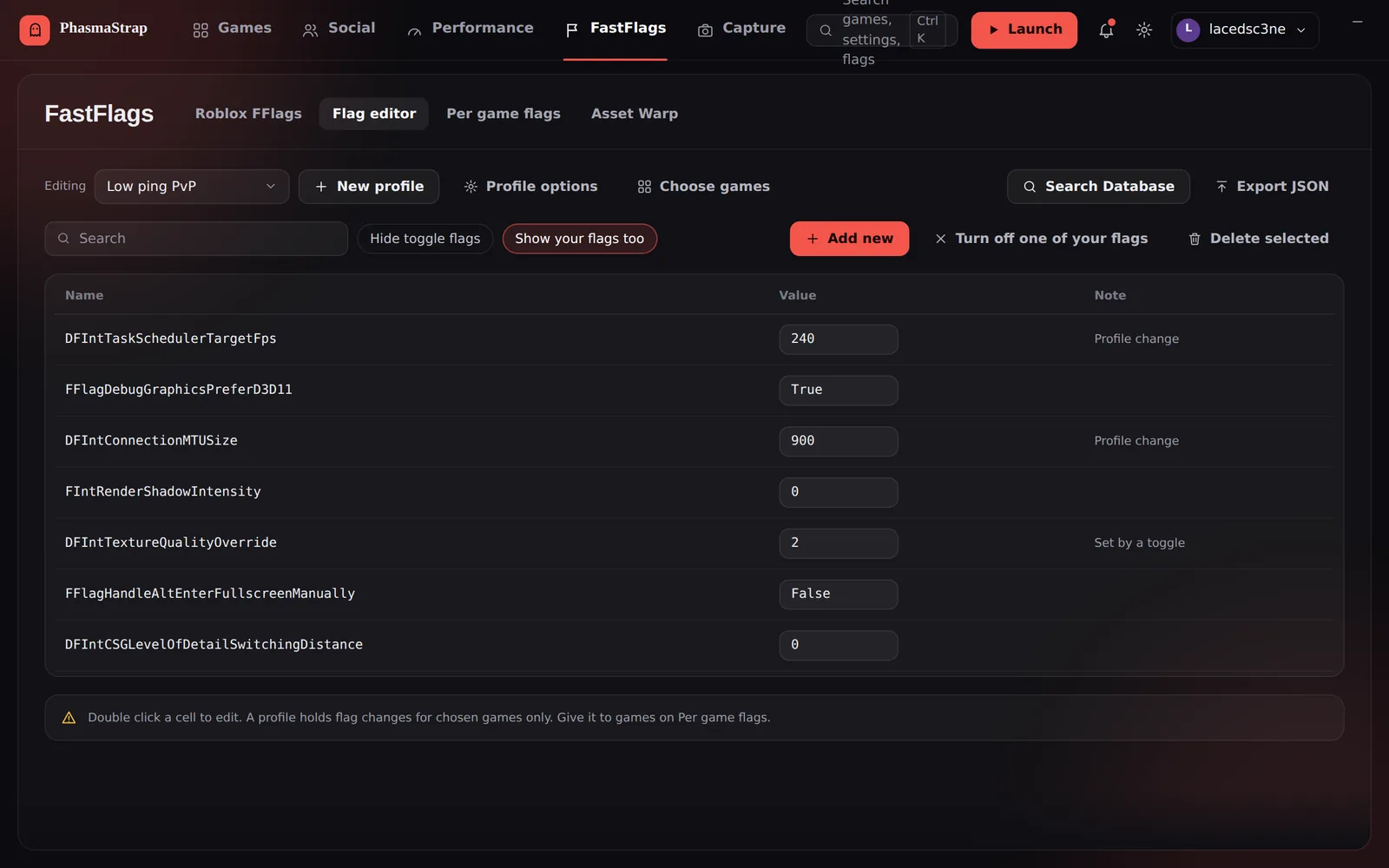
Profiles switch with the game you join, and PhasmaStrap checks that Roblox really loaded them.

Stream-safe mode

OBS gets its own copy of the game with chat and names hidden. You still see everything.

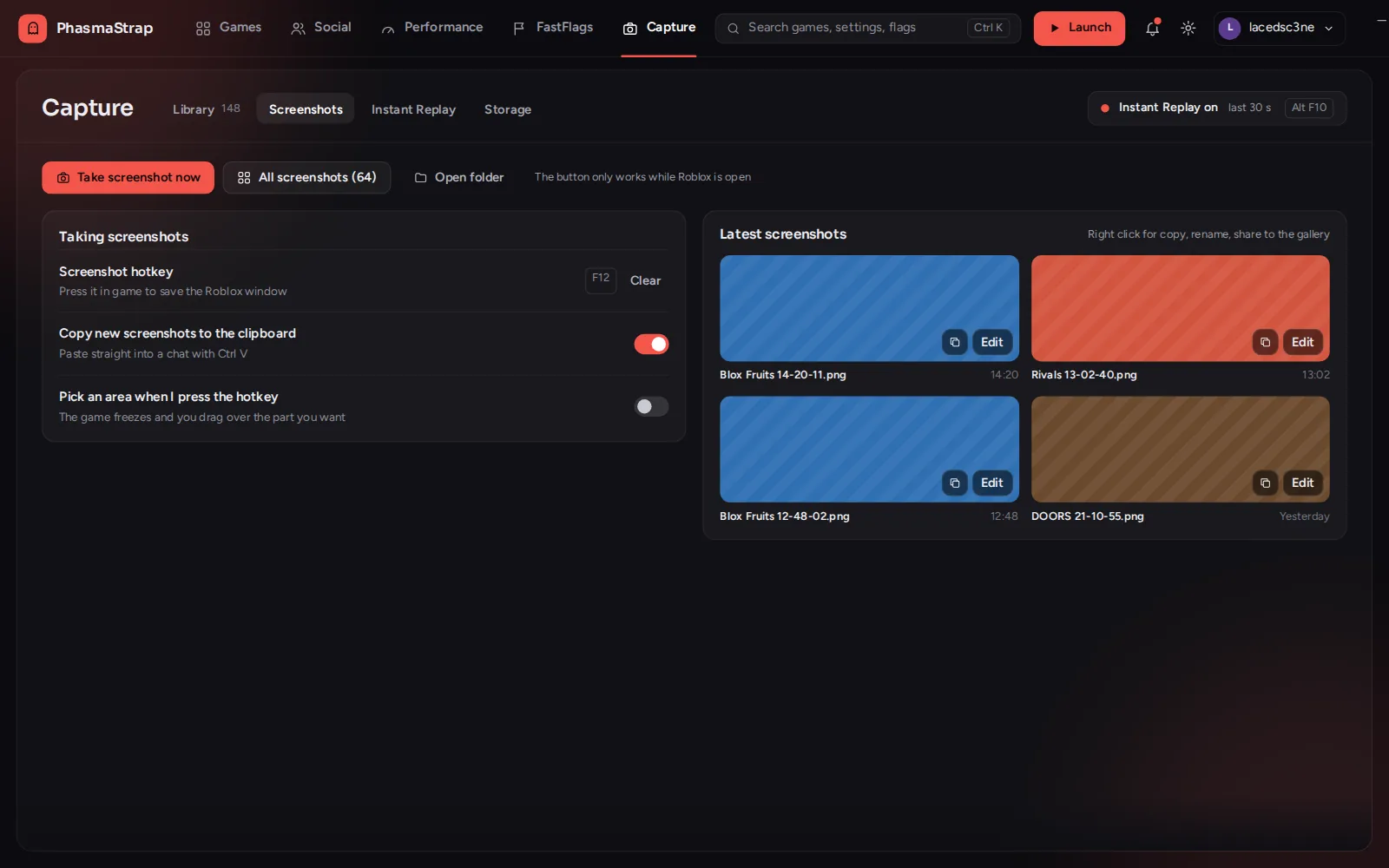
Captures library

Every clip and screenshot with thumbnails, search and rename. Area screenshots and a GIF maker.

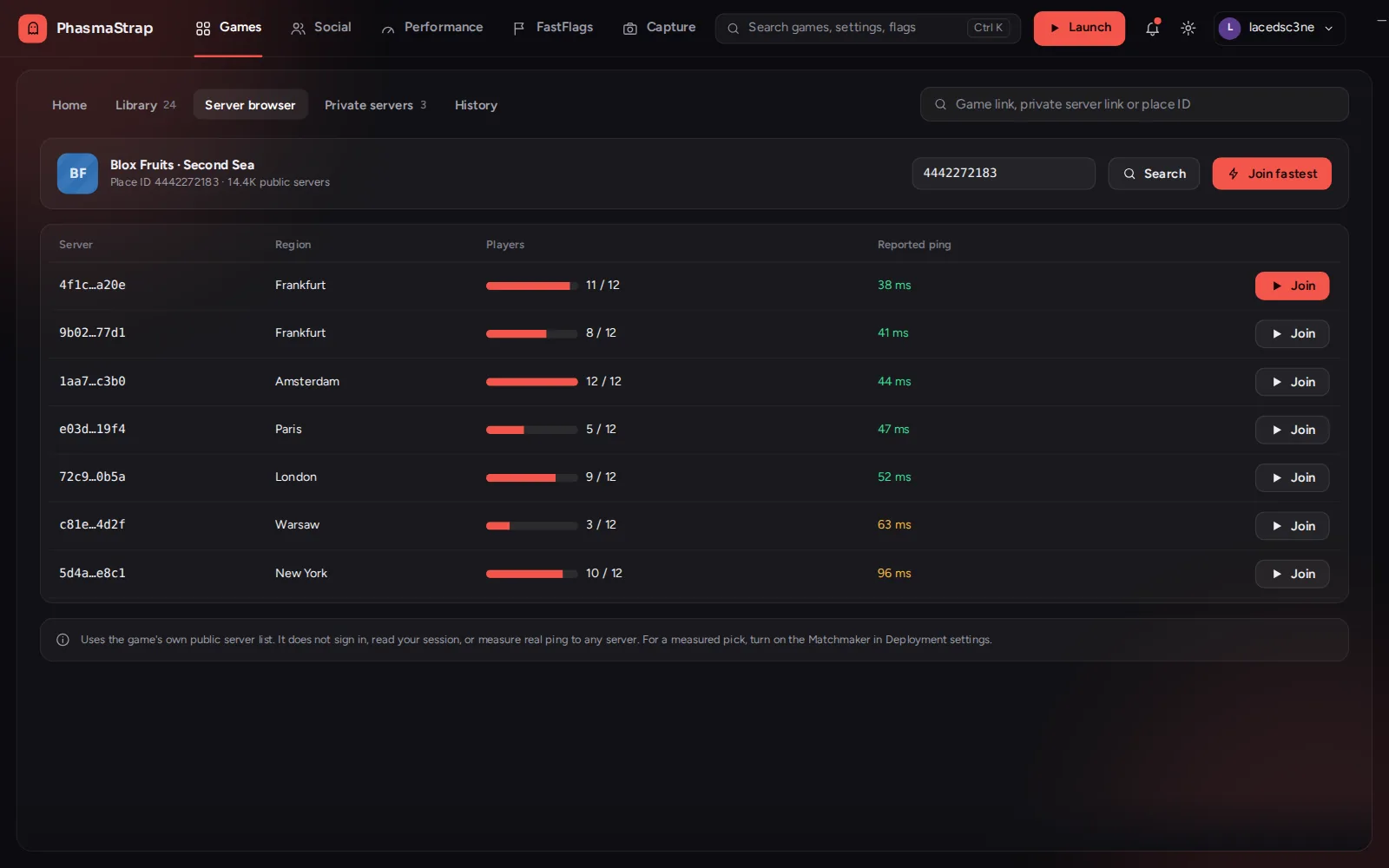
Servers and friends

Servers sorted by ping, private-server filters, and a Discord Join button.

Crosshair editor

Build your own crosshair.

Start from a preset or shape it yourself: arm length, thickness, gap, rotation, a centre dot, a ring and colors. The preview shows exactly how it looks in the game.

More about overlays

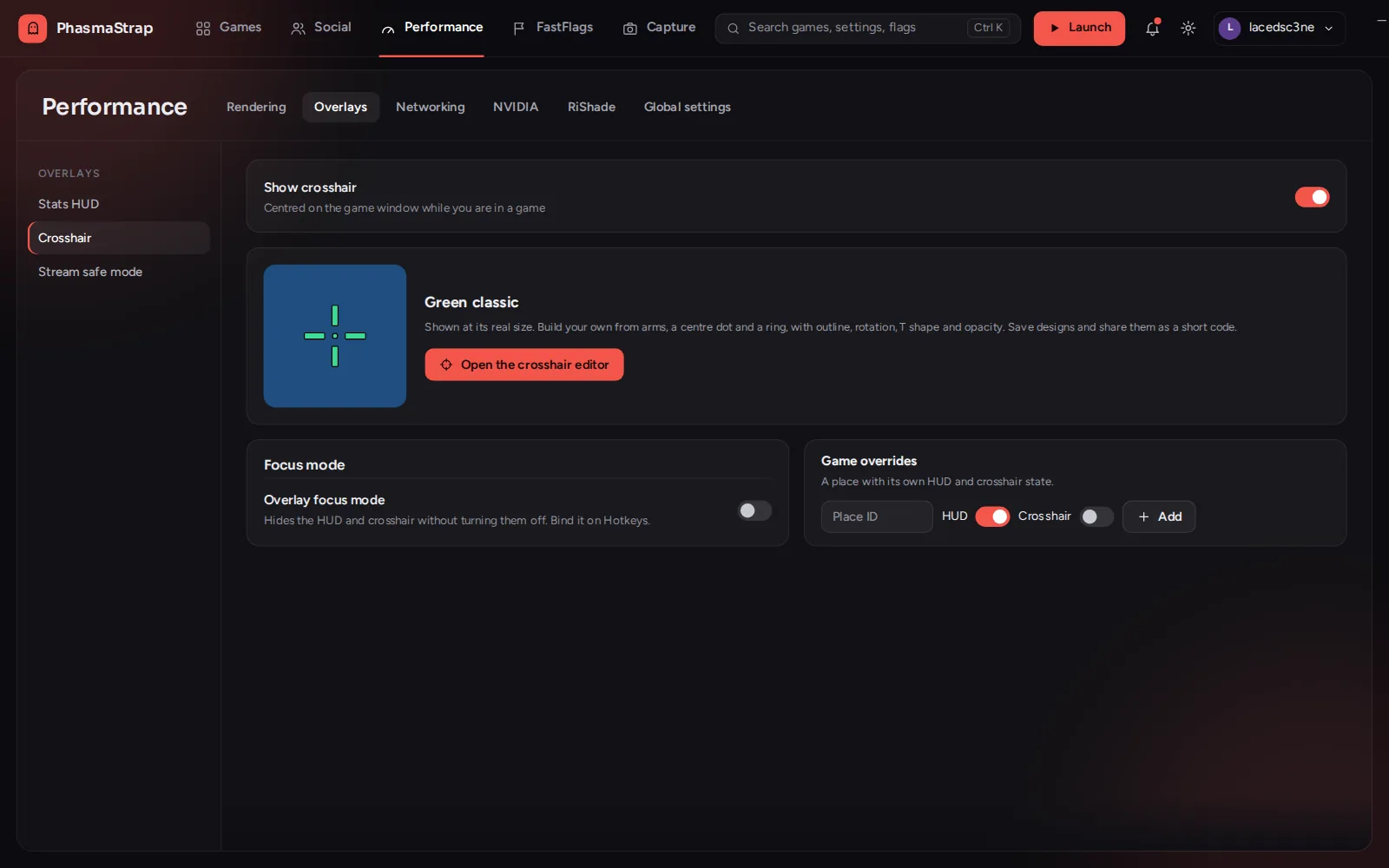
PhasmaStrap's crosshair editor: a green crosshair preview next to presets (Classic, Tight cross, Cross with dot, Dot, Circle dot, T, X, Sniper ring) and sliders for arm length, thickness, gap and rotation.

Try it on your next game.

Free · Windows 10 and 11 · 19.6 MB

Download for Windows