Features

Everything PhasmaStrap does.

Set it up once in the settings window. It applies every time you play, in every game.

Instant Replay

Never miss the moment.

Press one key and the last minutes of your game are saved as a clip.
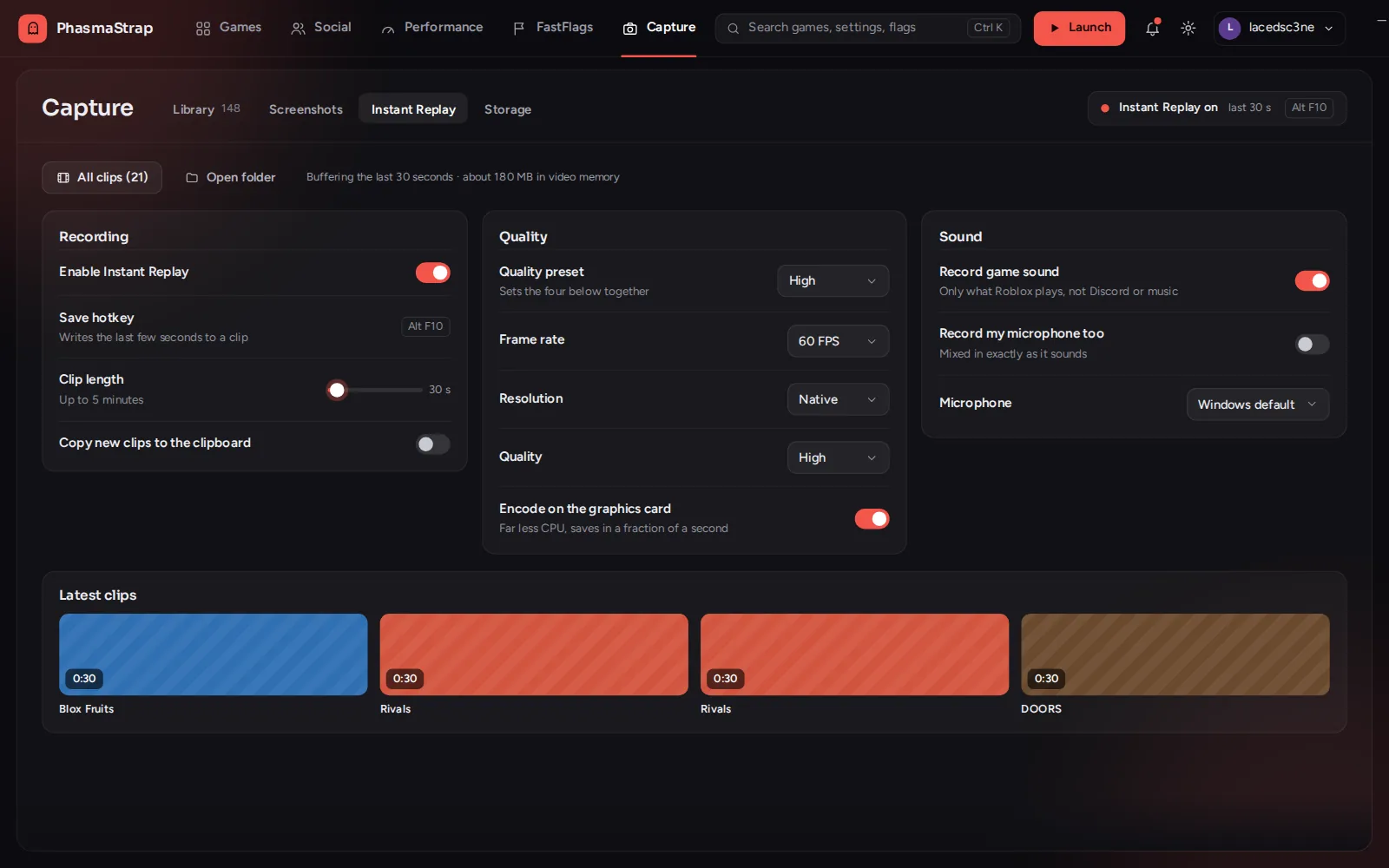
  • Clips up to five minutes long, in 1080p or 1440p
  • Clips save instantly
  • Record your microphone too, if you want
  • Trim, crop and change the speed afterwards
Screenshots and captures

Every capture, in one place.

Your screenshots and clips open in one window, ready to find and edit.
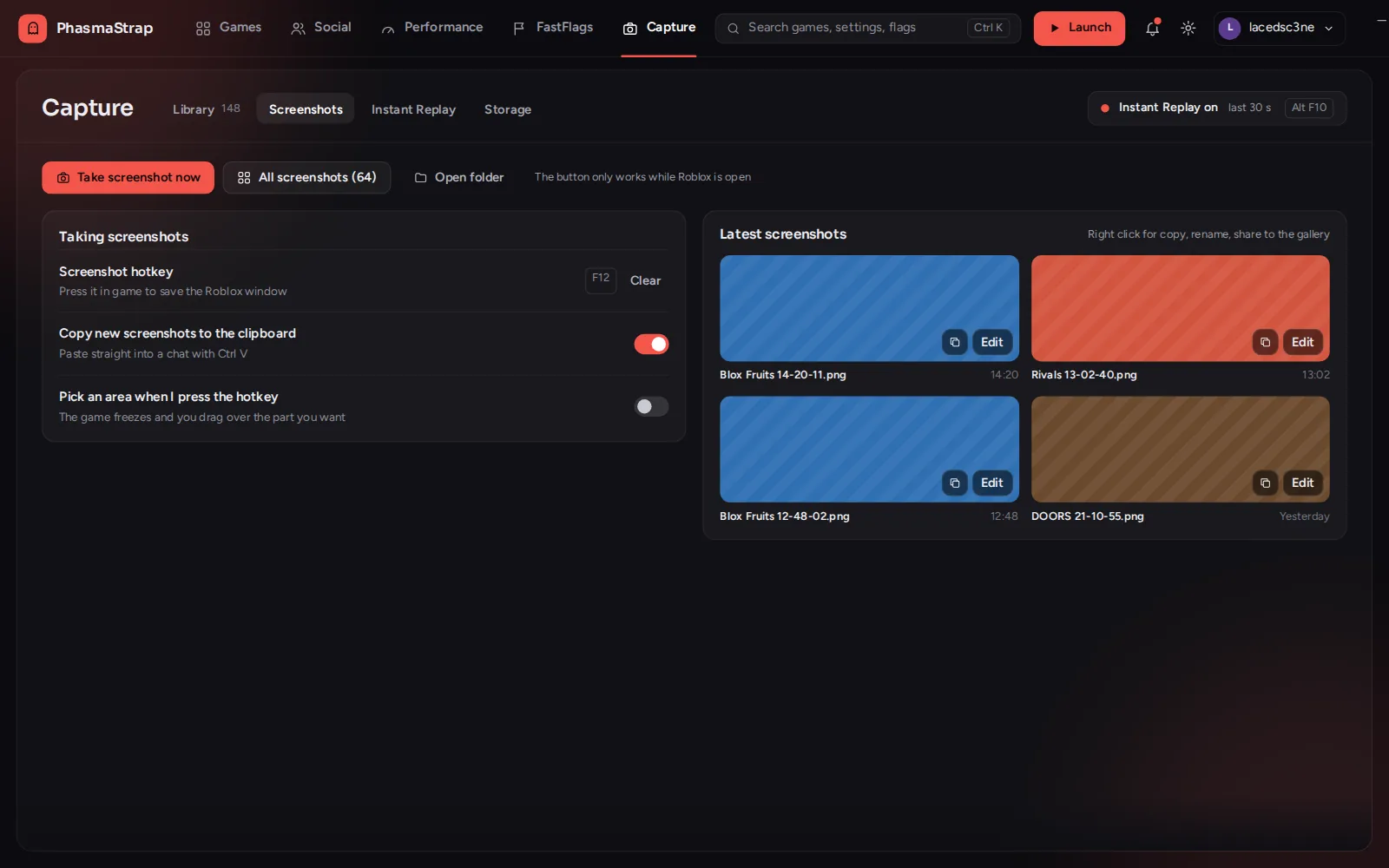
  • Thumbnails, search, filters and rename
  • Screenshot just an area by dragging over it
  • Crop, draw, add text or hide names in the editor
  • Turn screenshots into GIFs
Overlays

See how the game is running.

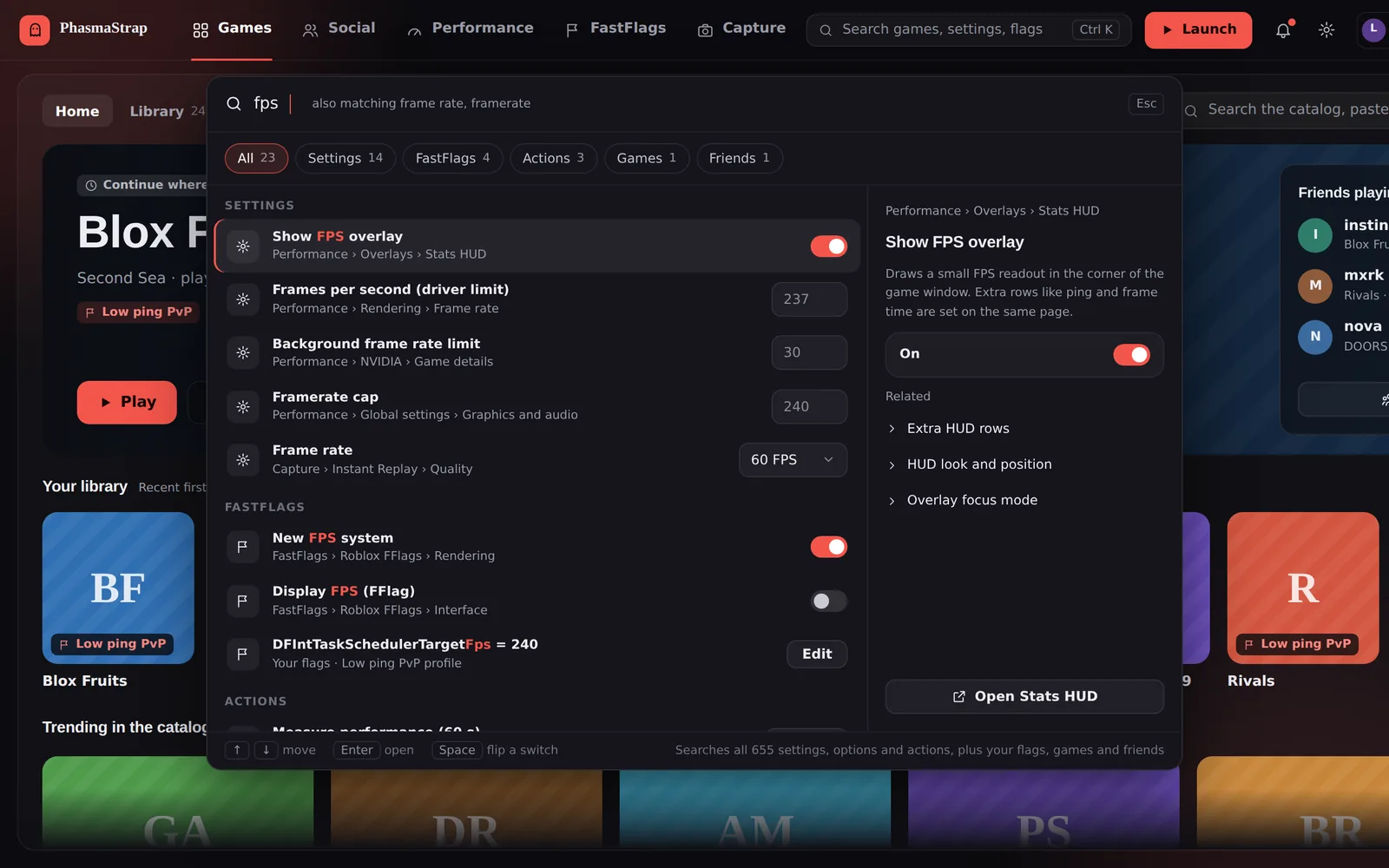
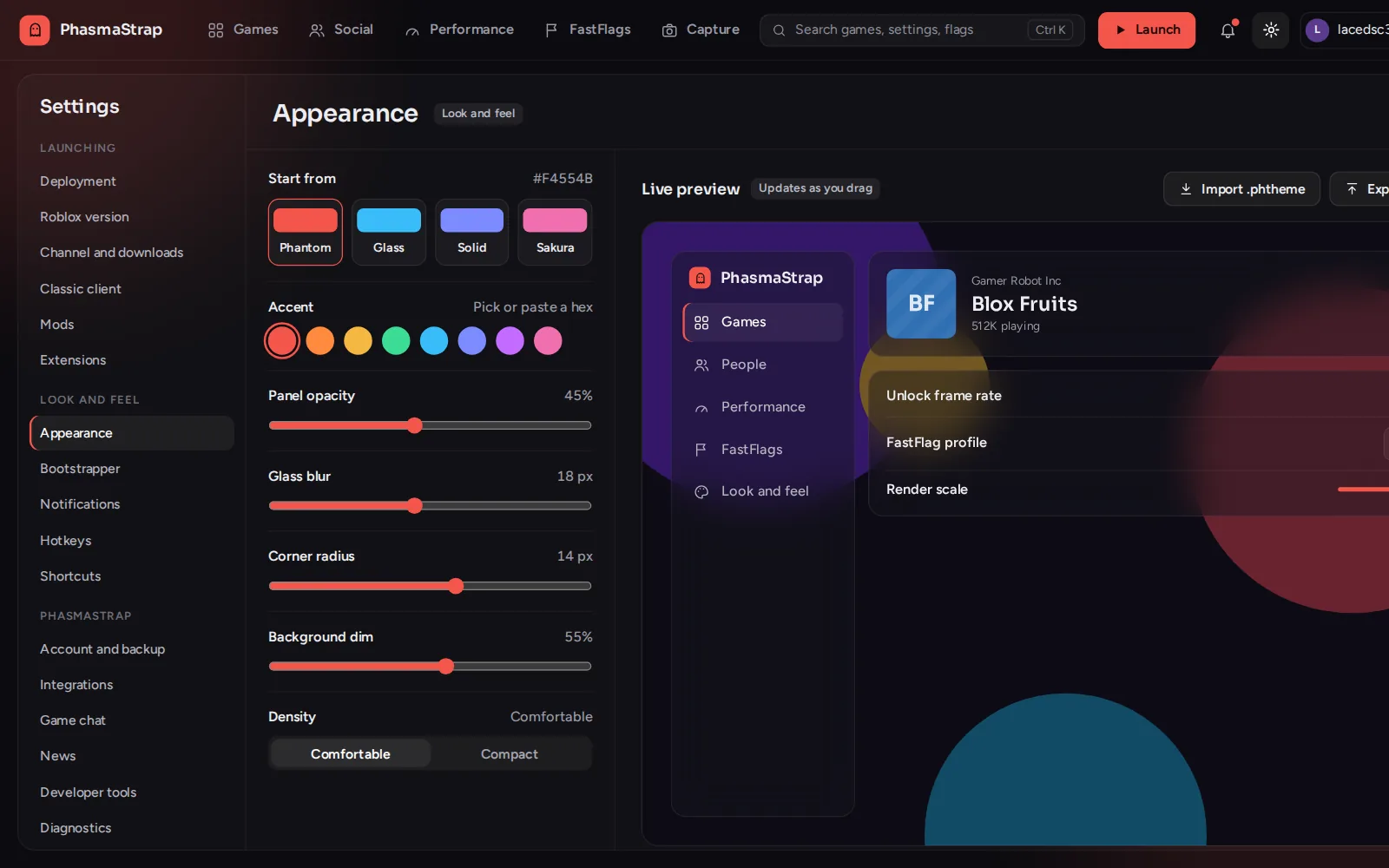
Your frame rate on screen while you play, in a HUD that looks how you want.
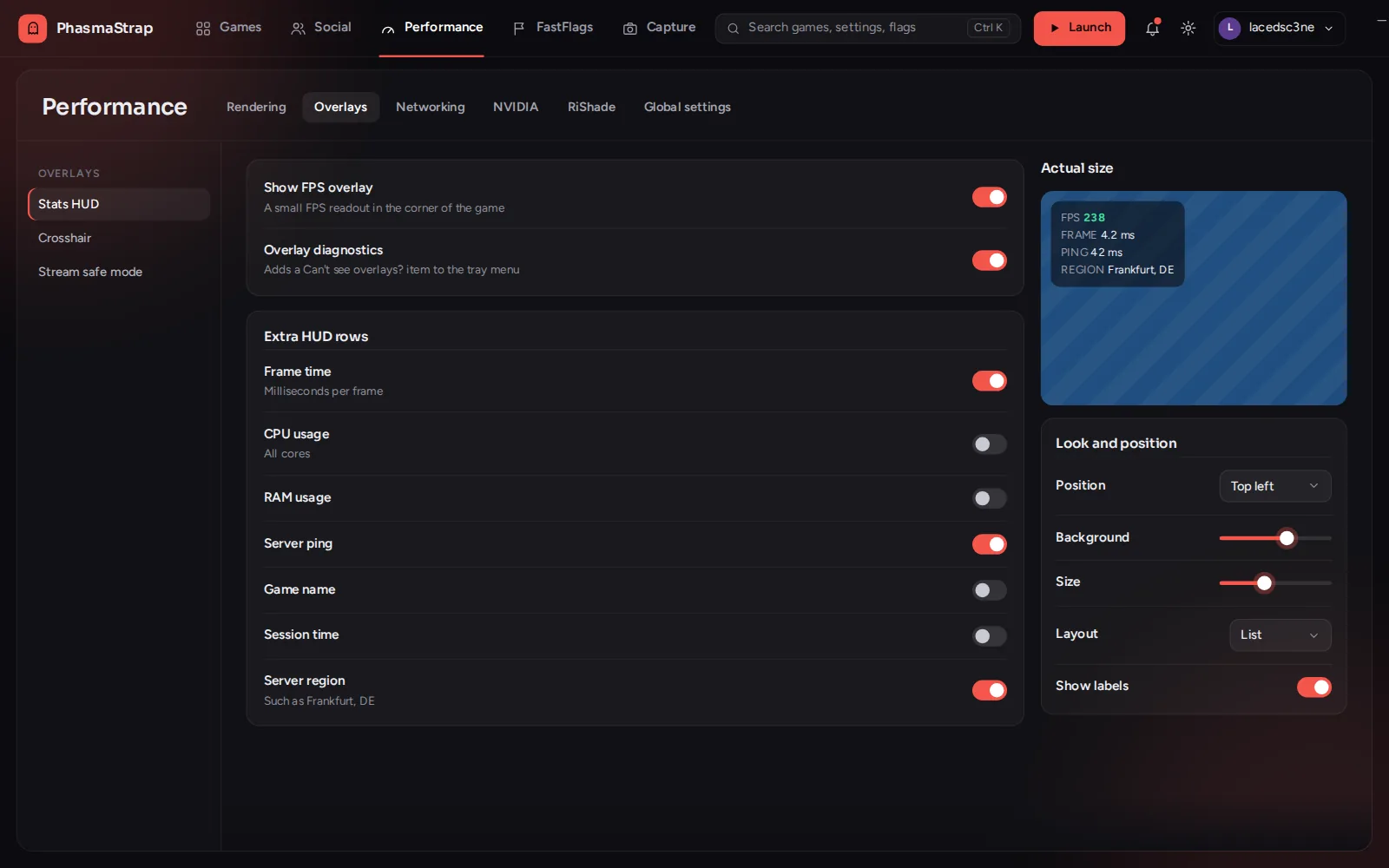
  • Put it in any corner, and set its colors, size and background
  • Add ping and system stats below the frame rate
  • A crosshair editor with presets and your own designs
  • Different overlays per game, and one key to hide them all
PhasmaStrap's crosshair editor with presets and sliders for arm length, thickness, gap and rotation.
FastFlags

Different flags for every game.

Give a game its own profile and it switches over when you join.
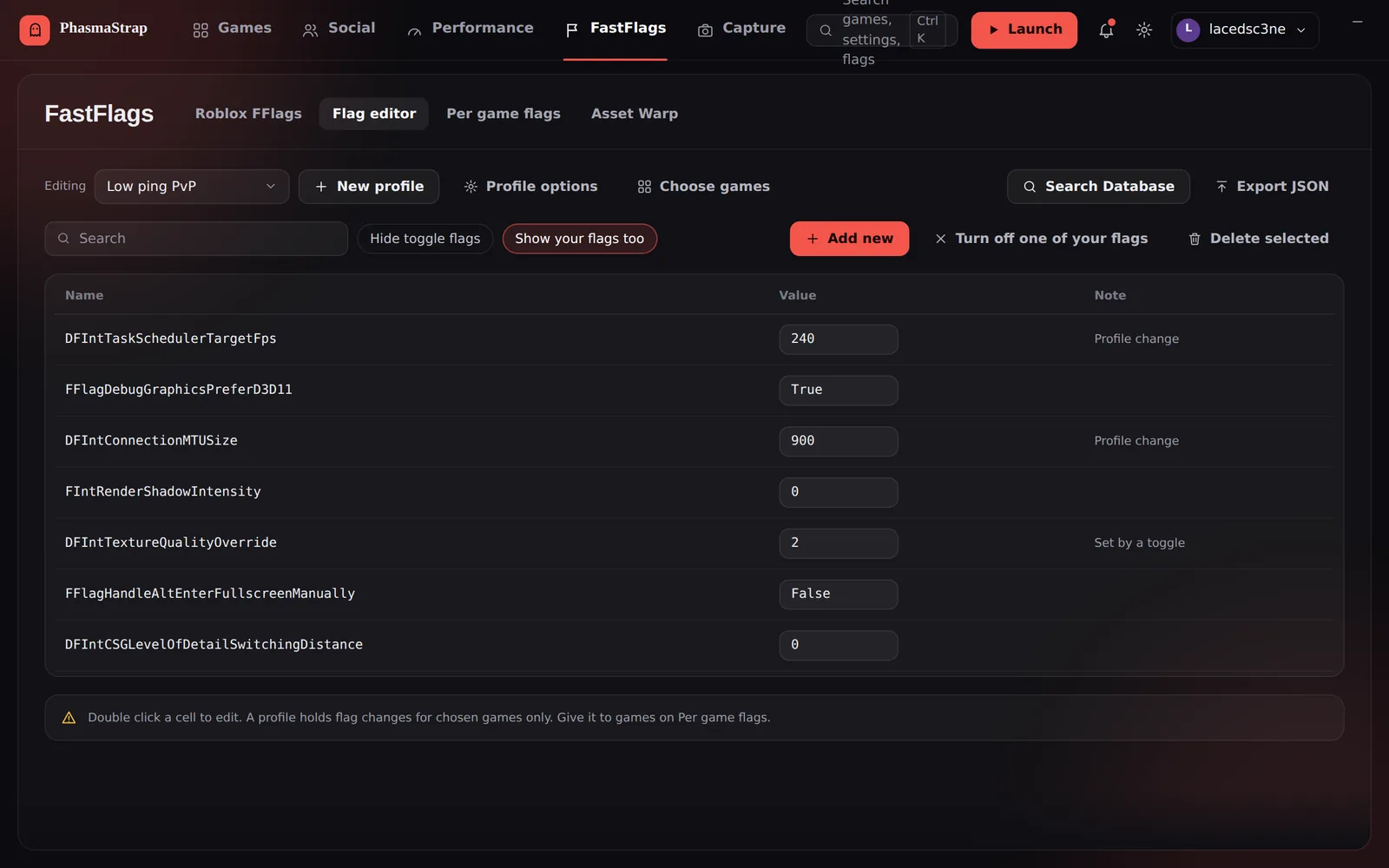
  • A profile per game, on top of your own flags
  • Ready-made presets: Balanced, Performance and Quality
  • Share a profile with a short code
The FastFlag Settings page in PhasmaStrap, with tabs for Roblox FFlags, the Fast Flag Editor, per-game flags, NVIDIA FFlags, Asset Warp and the asset engine, and presets Default, Balanced, Performance and Quality.
Streaming

Stream without showing chat.

OBS gets its own view of the game with chat and names hidden. You still see them.

  • Choose what gets hidden
  • Switch it on when you go live, off when you're done
Servers and friends

Find the right server.

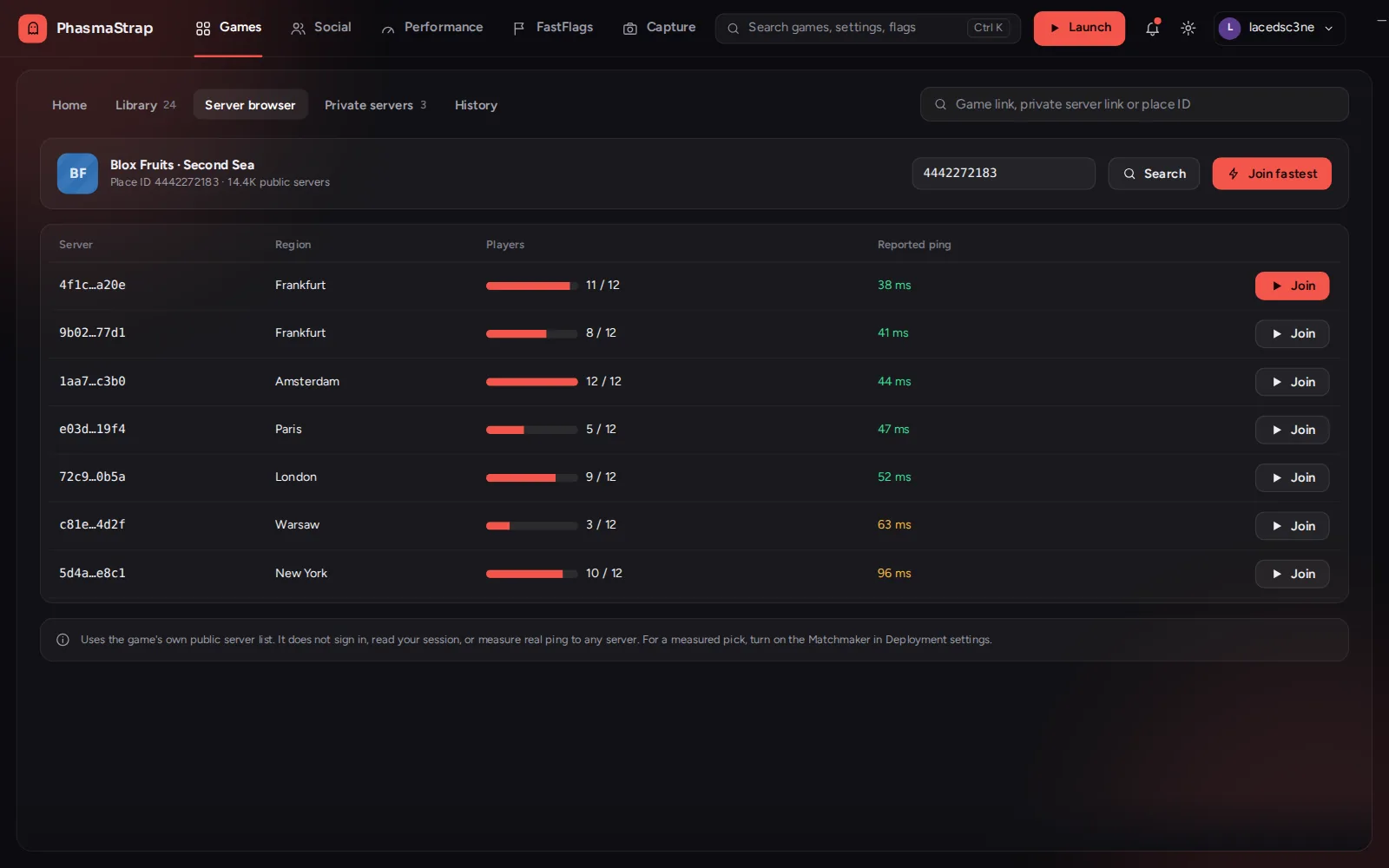
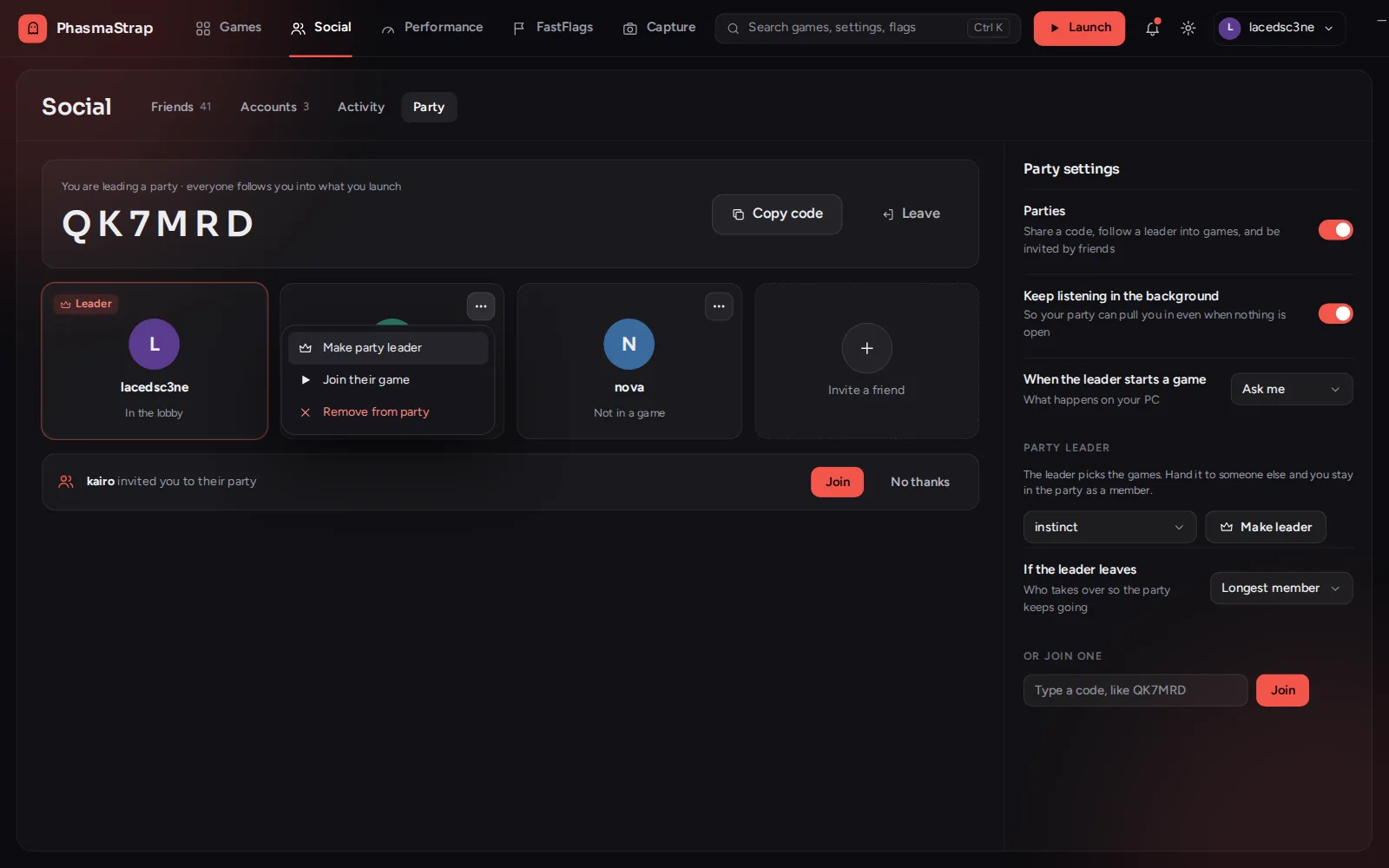
Browse servers, filter your private servers and let friends join you from Discord.

  • Servers sorted by ping
  • Find a private server by game, name or owner
  • Discord Rich Presence with a Join button
Performance and display

Tuned for your PC.

Set how Roblox runs, per game if you like.
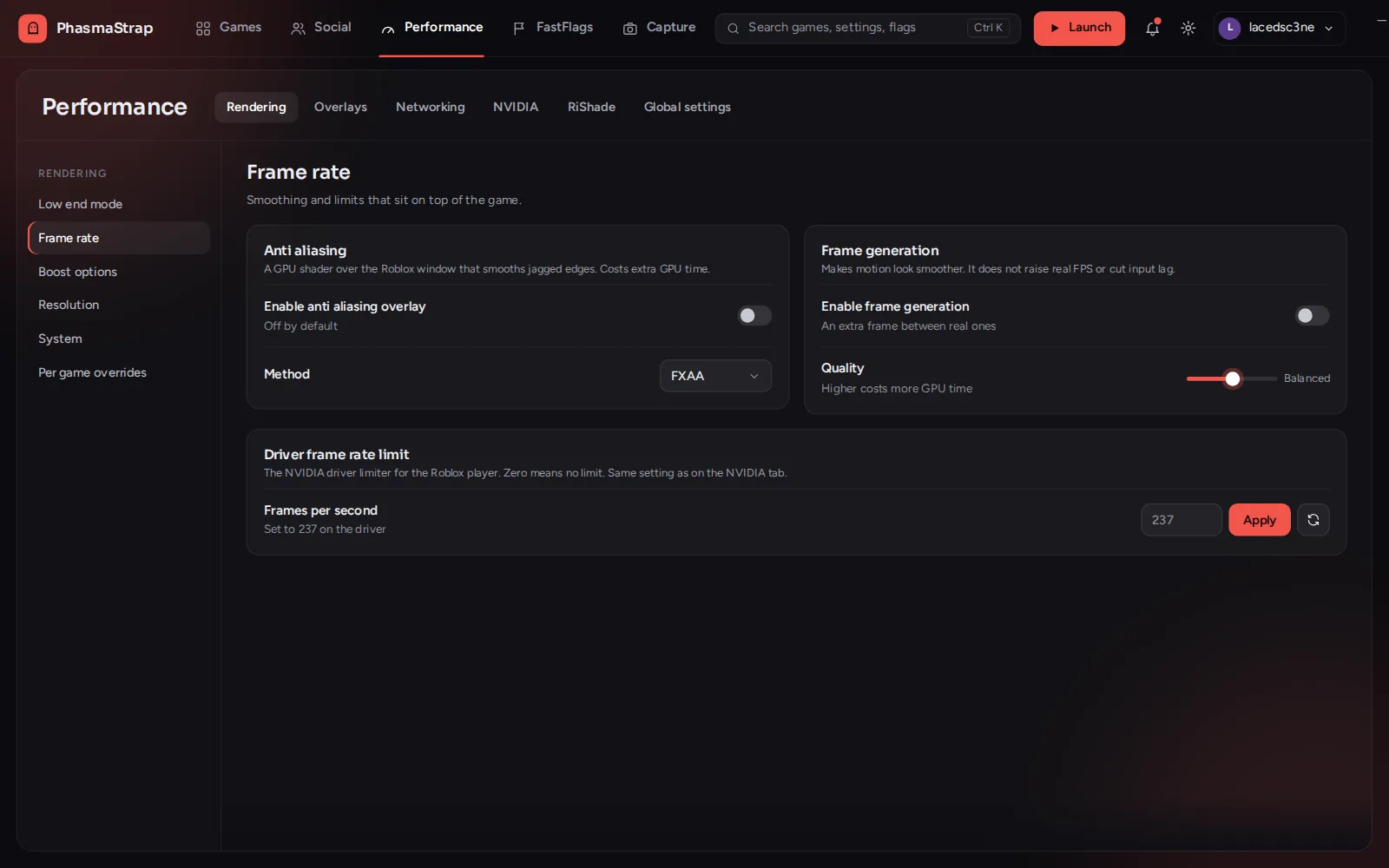
  • Choose the resolution Roblox runs at, per monitor or per game
  • Low-end mode: one click for lighter graphics, and one to undo it
The app itself

Looks after itself.

PhasmaStrap stays out of your way.

  • Updates itself in the background
  • Reopens where you left it
  • Choose what double-clicking the tray icon does
  • See what changed in each version from the News page

Try it on your next game.

Free · Windows 10 and 11 · 19.6 MB

Download for Windows